Directo uses cookies for our website to function properly; some are optional and help deliver a personalized and enhanced experience. By clicking "Accept", you consent to store cookies on your device in accordance with our cookie policy. We may collect anonymized data from your browser independent of your cookie preferences. Preferences can be updated at any time.
✔ Save money
✔ Travel smarter
✔ Find deals

You've been invited to find travel deals

Join the 300,000+ members who leave the search for deals on accommodations to Directo. Find the best hotel and rental deals faster with Directo Extension, your smart travel copilot.
Save money, get better deals!

Chrome web store icon featuring a multicolored puzzle piece inside a white shopping bag.
Try Directo for Free
Chrome web store icon featuring a multicolored puzzle piece inside a white shopping bag.
Try Directo for Free
<<<Unlock your invite
Portraits of three people side by side: a woman with long natural hair wearing earrings, a man with glasses and short black hair, and a man with a headset in a casual setting with plants.

Trusted by over 300k+ travelers

Trophy Icon
Featured Icon
Directo logo icon - Yellow D - animation
Swipe or Click and Try me! 
Curved purple arrow pointing downward and to the right on a white background.

Uncover hidden savings

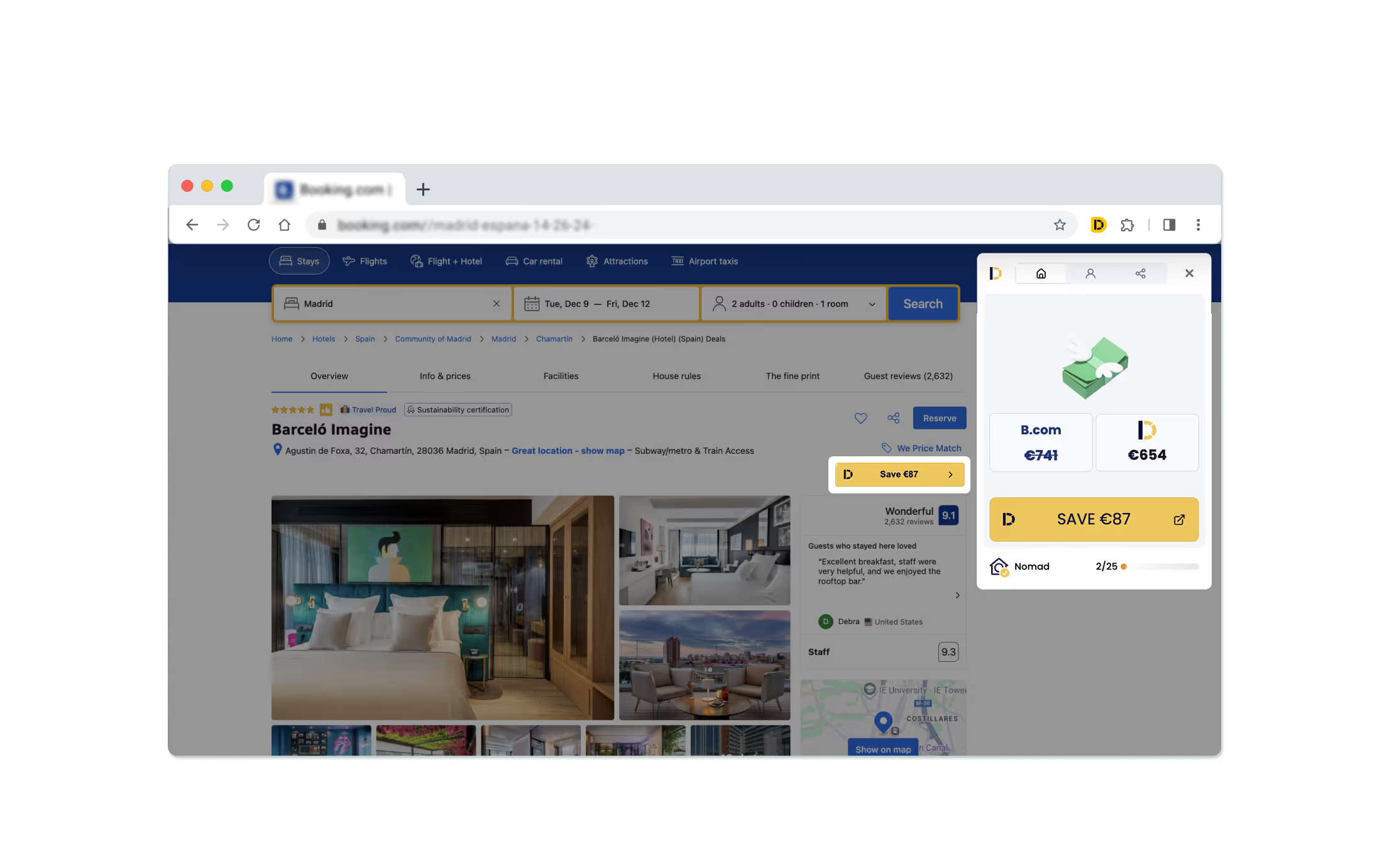
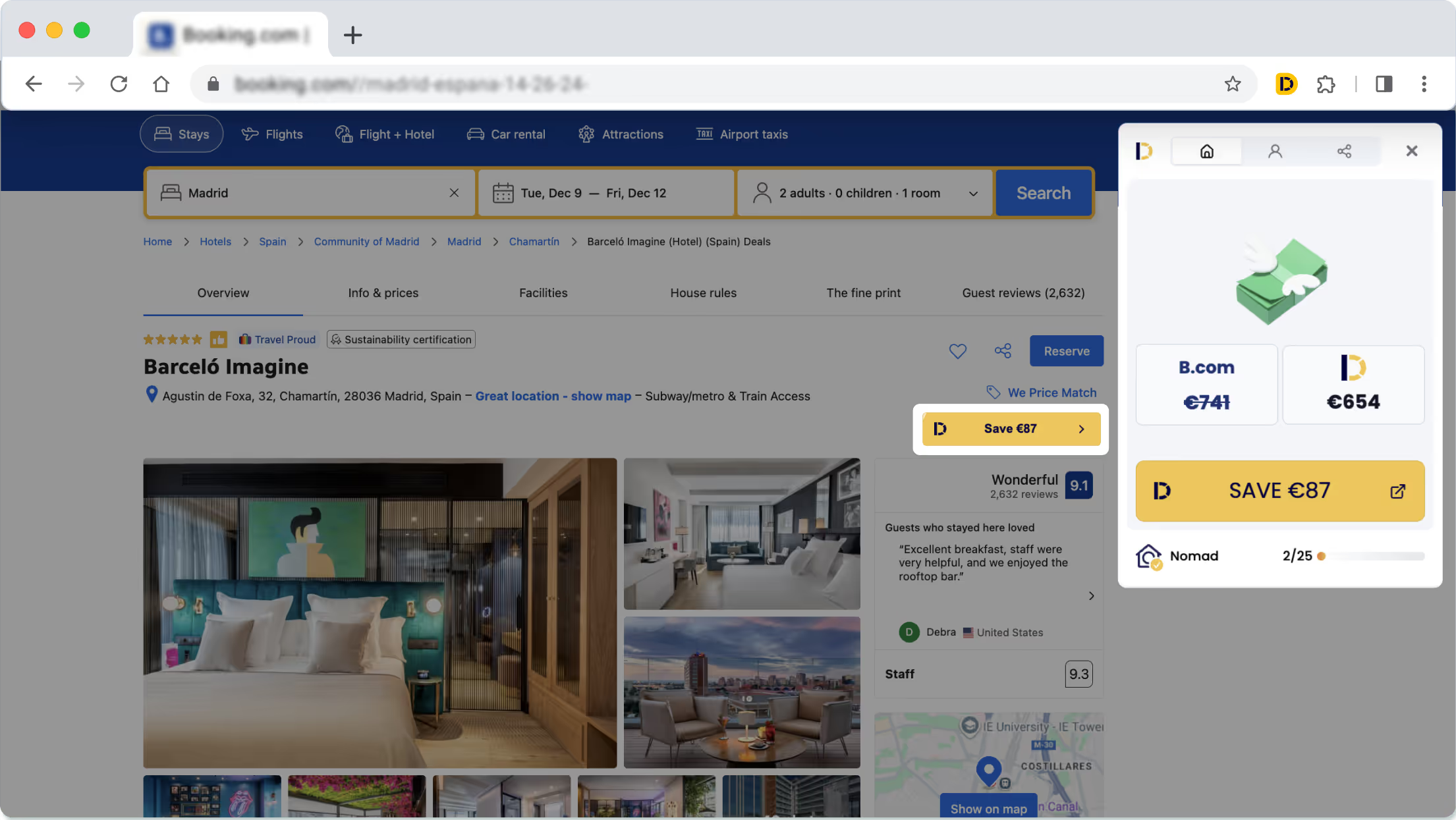
English_mobile_Before installing Directo extensionBooking.com webpage showing hotel deal for Barceló Imagine in Madrid with option to save €87 by Directo Extension
Before
After
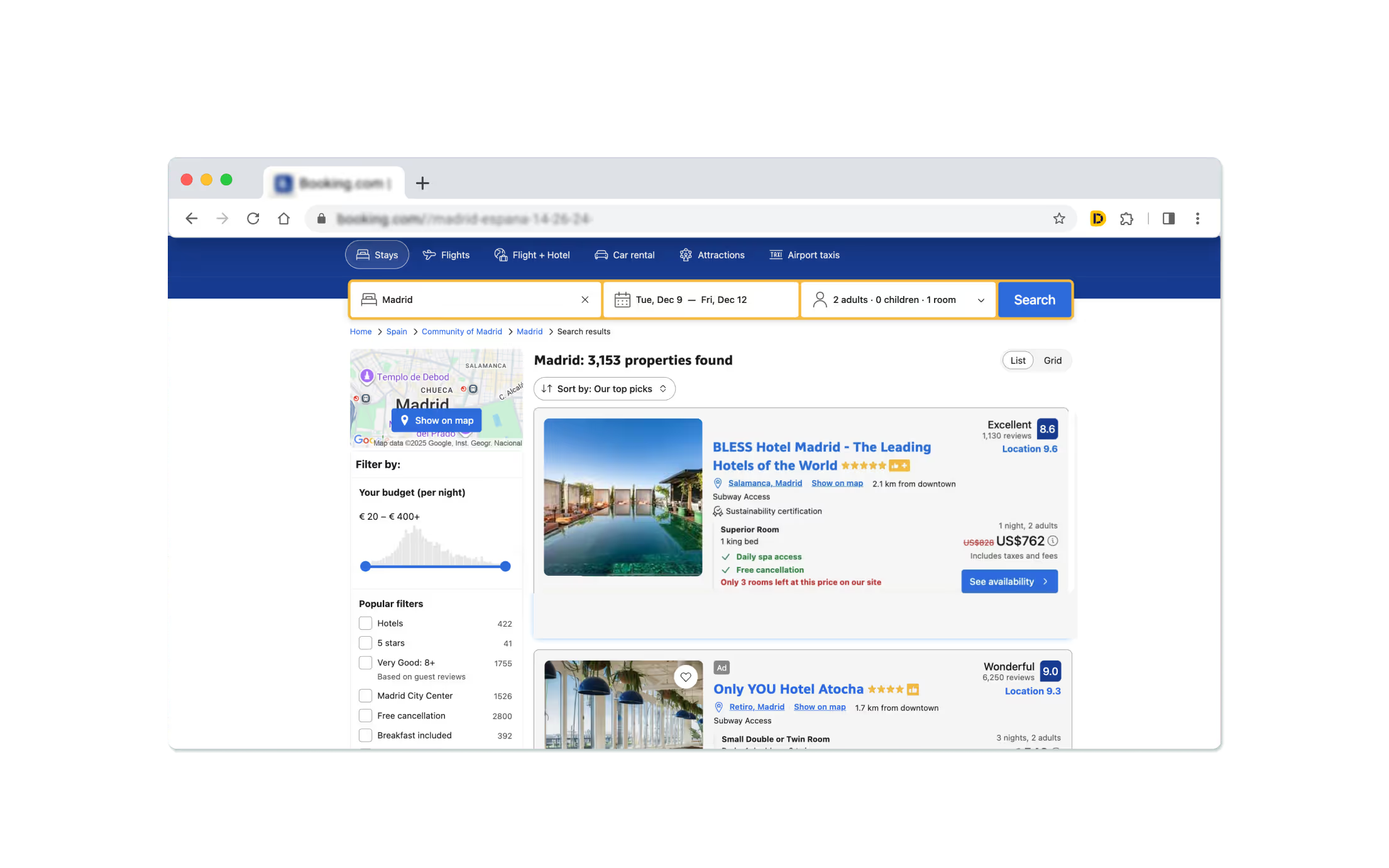
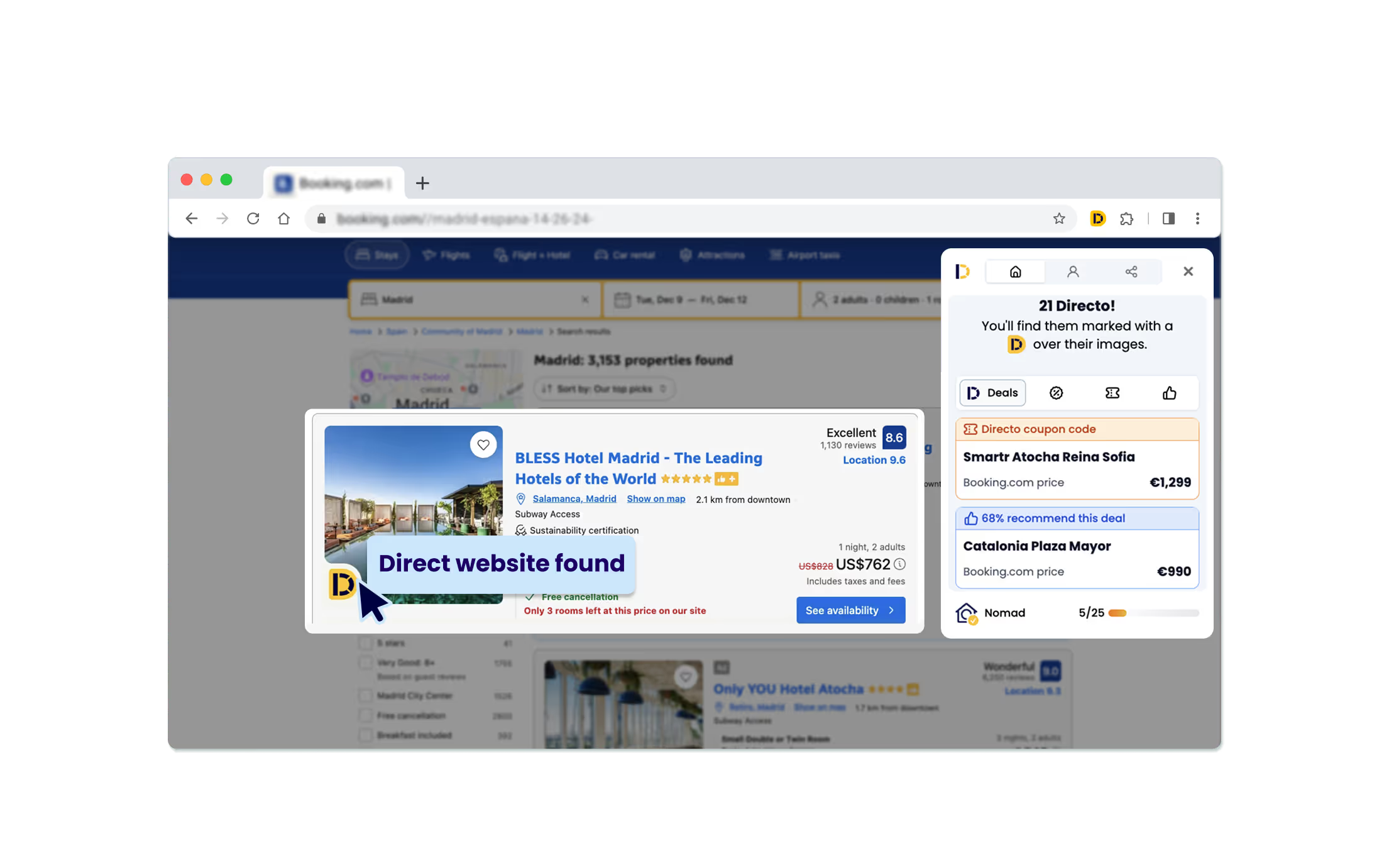
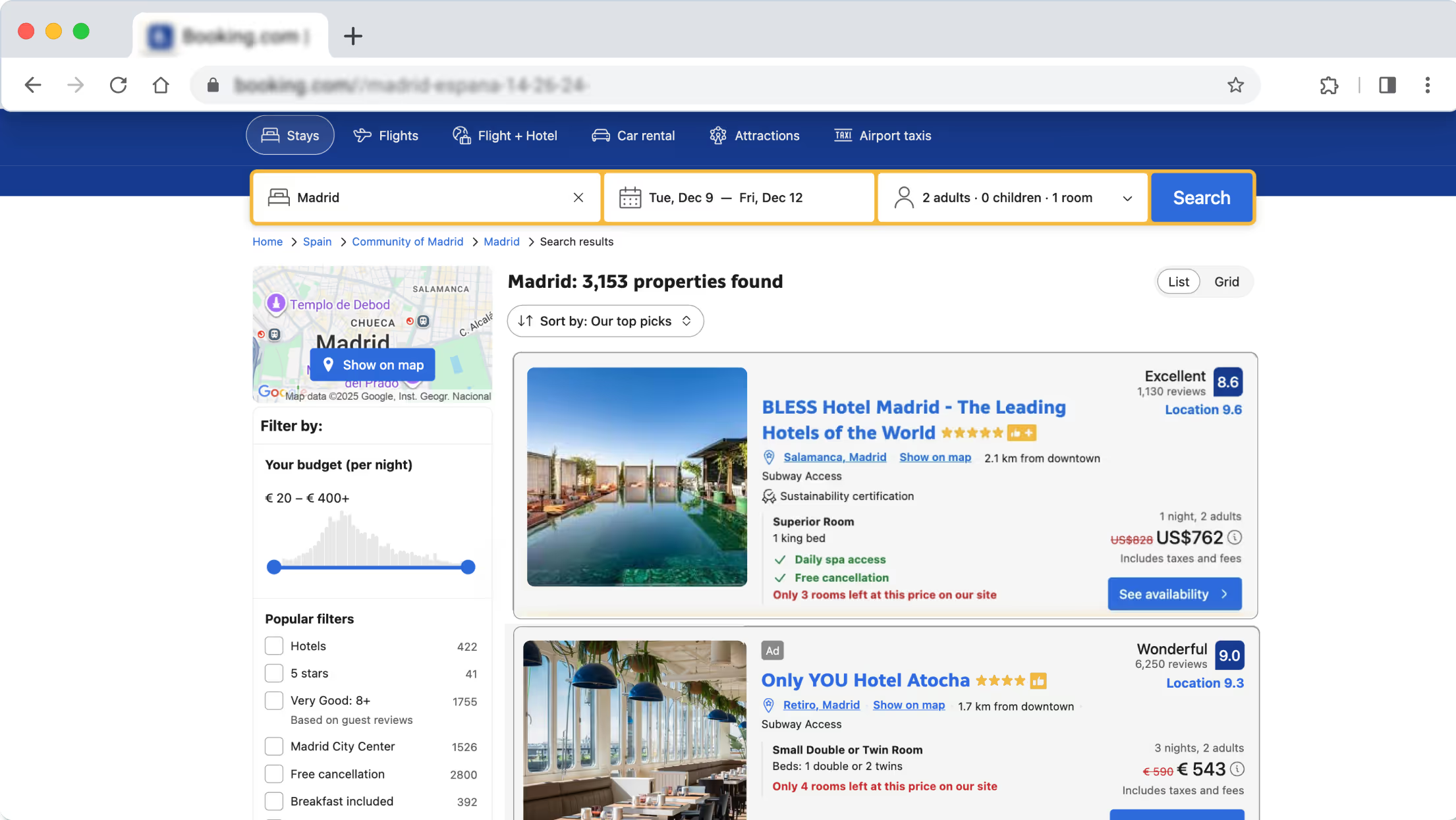
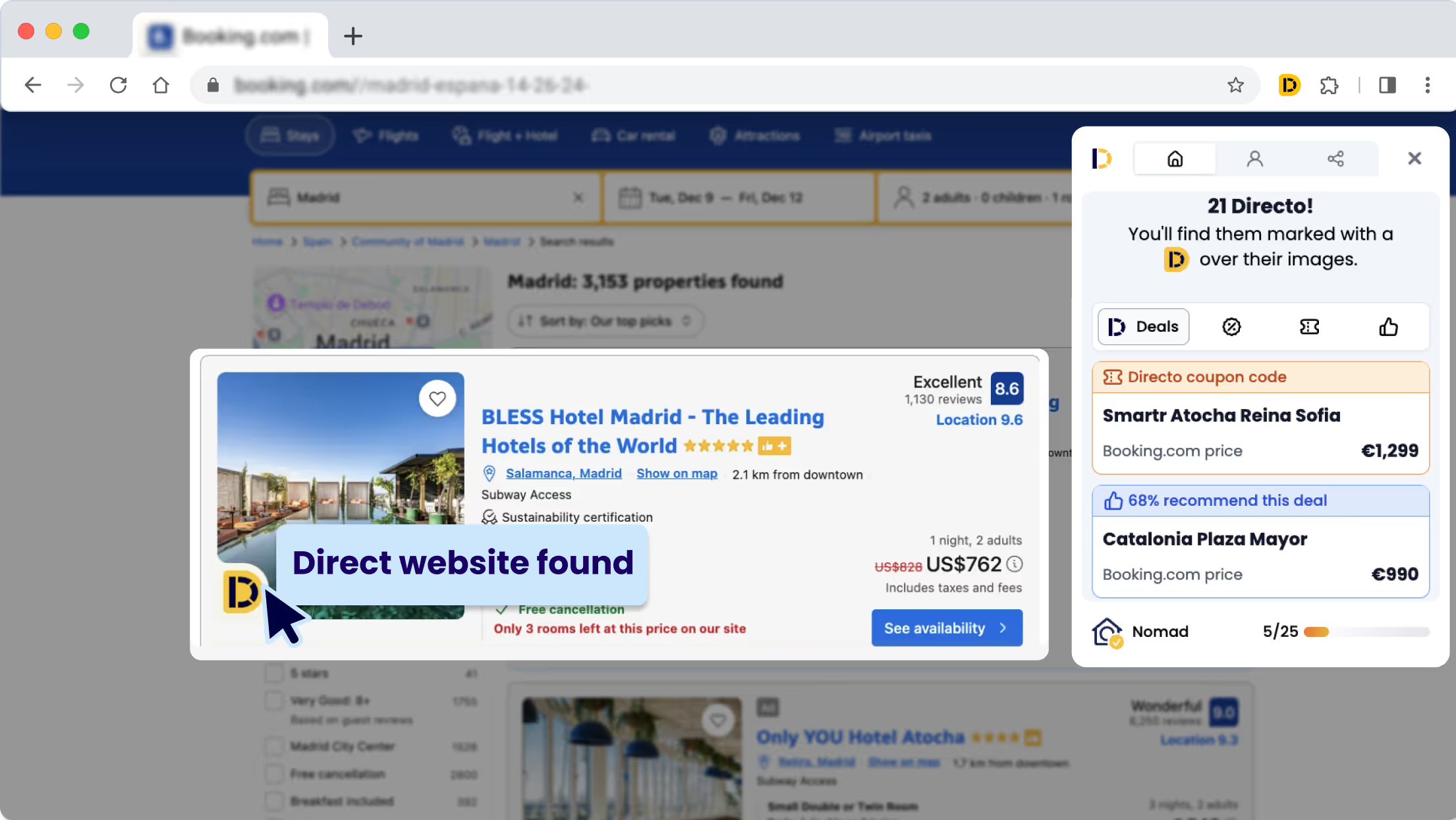
Booking.com search results page showing hotels in Madrid with filters, map, and hotel listings including BLESS Hotel Madrid and Only YOU Hotel Atocha.Booking.com search for Madrid hotels showing BLESS Hotel Madrid with direct website found by Directo Extension and pricing details.
Before
After
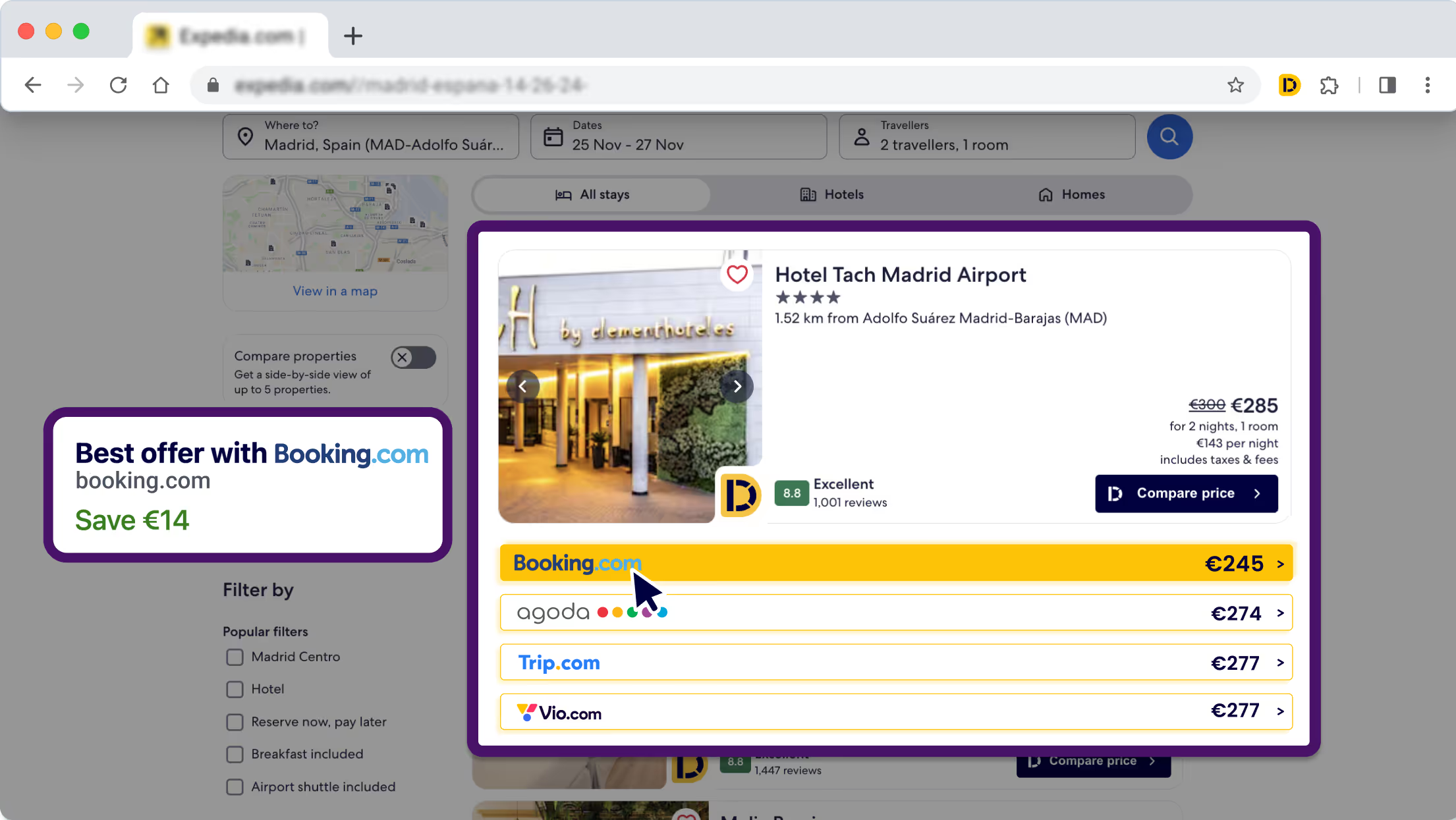
Get More Options - Directo ExtensionGet More Options - Directo Extension
Before
After

Uncover hidden savings

Tap me and Try me! 
Curved purple arrow pointing downward and to the right on a white background.

Compare Deals in Seconds

English_mobile_Before installing Directo extension

Before installing Directo >>

Compare Deals in Seconds

Booking.com webpage showing Barceló Imagine hotel in Madrid with room photos, guest rating 9.1, and a highlighted €87 discount offer.

After installing Directo >>

Skip Extra Fees

Booking.com search results for Madrid hotels showing two listings with images, ratings, prices, and filters on the left.

Before installing Directo >>

Skip Extra Fees

Screenshot of a booking site showing BLESS Hotel Madrid with a Directo Extension badge indicating a direct website found, listing price, ratings, and location details.

After installing Directo >>

Get More Options

Expedia hotel search results page showing listings for Hotel Tach Madrid Airport and Hotel Madrid Alameda Aeropuerto with photos, ratings, prices, and filters.

Before installing Directo >>

Get More Options

Expedia hotel booking comparison for Hotel Tach Madrid Airport showing prices from Booking.com, Agoda, Trip.com, and Vio.com, with Booking.com offering the best price at €245.

After installing Directo >>

How Directo Works:

Chrome Web Store page showing the Directo extension for travel deals with a blue Add to Chrome button and a screenshot highlighting discounts and exclusive coupons.

1. Install for free

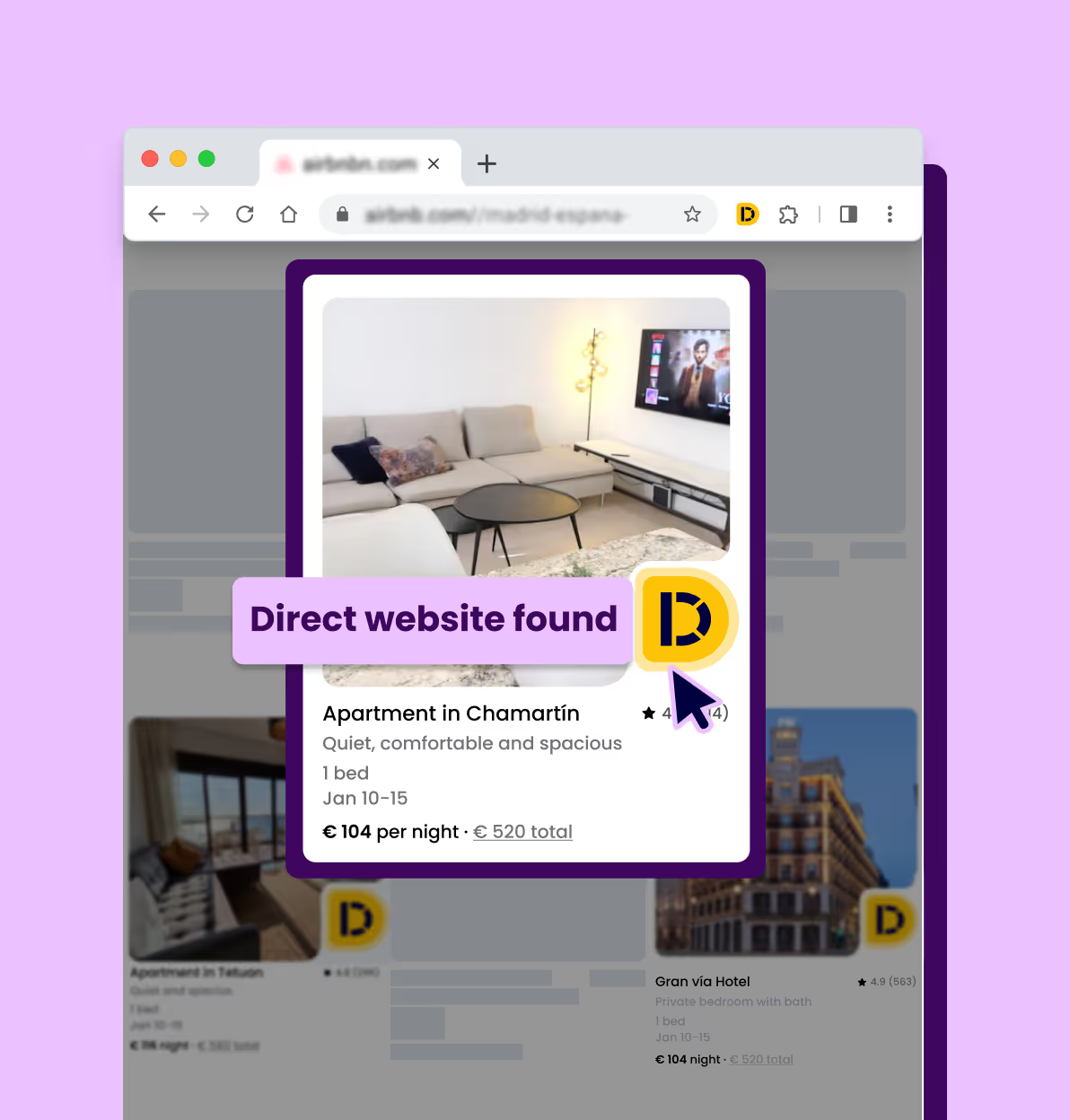
Browser window showing a listing for an apartment in Chamartín with a photo of a living room, price €104 per night, and a yellow icon with a 'D', Directo Logo, indicating a direct website found.

2. Search for lodging as usual

Browser window showing a Booking.com page for Barceló Imagine hotel with a pop-up comparing room prices: €741 on B.com crossed out, €654 on another site, and a button to save €87 by Directo Extension

3. Book the best deal

Frequently Asked Questions

What is a Chrome Extension?

A Chrome browser extension is a small software program that adds new features to the Chrome web browser. When you install an extension, it typically adds a new button or icon to the Chrome toolbar or menu. Clicking on that button will activate the extension and allow it to perform the task it intends to do.

Where can I download the Directo Chrome Extension?

You can download the Directo Chrome extension in the Google Chrome Store.

How does the Directo Chrome Extension work?

The Directo Chrome Extension is a tool that helps you find the direct webpage of a hotel or vacation rental that you're interested in, without having to search for it on Google. Here's how it works:
1. Install the Directo Chrome Extension from the Chrome Web Store
2. Go to a site like Airbnb or Booking.com and perform your search for hotels or vacation rentals as you normally would.
3. When the extension finds a match for the property you're looking at, you'll see a Directo logo on the picture of the listing. Not every property will have a match.
4. Click on the Directo logo to display information about the property and get sent to the direct website.
5. Once you're on the direct website, you can find the same property you were looking at and see if there's a better deal available. So essentially, the Directo Chrome Extension saves you time by automatically searching for the direct webpage of a property you're interested in, and allows you to get a better deal.

Is Directo extension FREE?

All features of the Directo Chrome extension are entirely free. You can download on Google Chrome Store.

Is it safe to use Directo extension?

Yes, Directo extension is safe to use! The extension only works on travel sites.

Get started here
Curved purple arrow pointing downward and to the right on a white background.
Directo travel extension Logo - Yellow D
Easy install. Easy travel savings.
Add it now!
Directo travel extension Logo - Yellow D
Easy install. Easy travel savings.
Add it now!

Your friend doesn't want you to overpay.
Join Directo today.